Oil painting filter app
Turn scenery, food and still-life photos into oil paintings
NeuralPaint is an oil painting filter app with over 50 art filters inspired by Monet, Van Gogh, Picasso, Rembrandt and more. It analyzes the subject of your photo and judges which painting-style filter suits it, so a lake, a street or a bowl of fruit can all become a painting.
Free to download. An optional PRO subscription is available.
What NeuralPaint does well
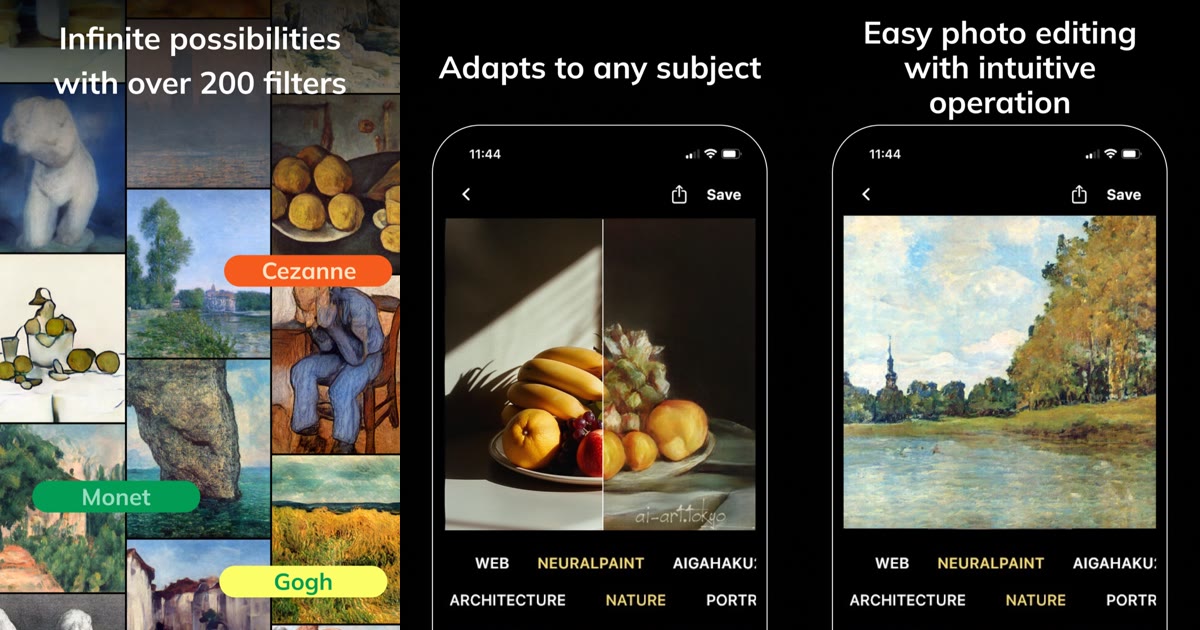
Three things from the App Store listing and screenshots.
A wall of painter filters
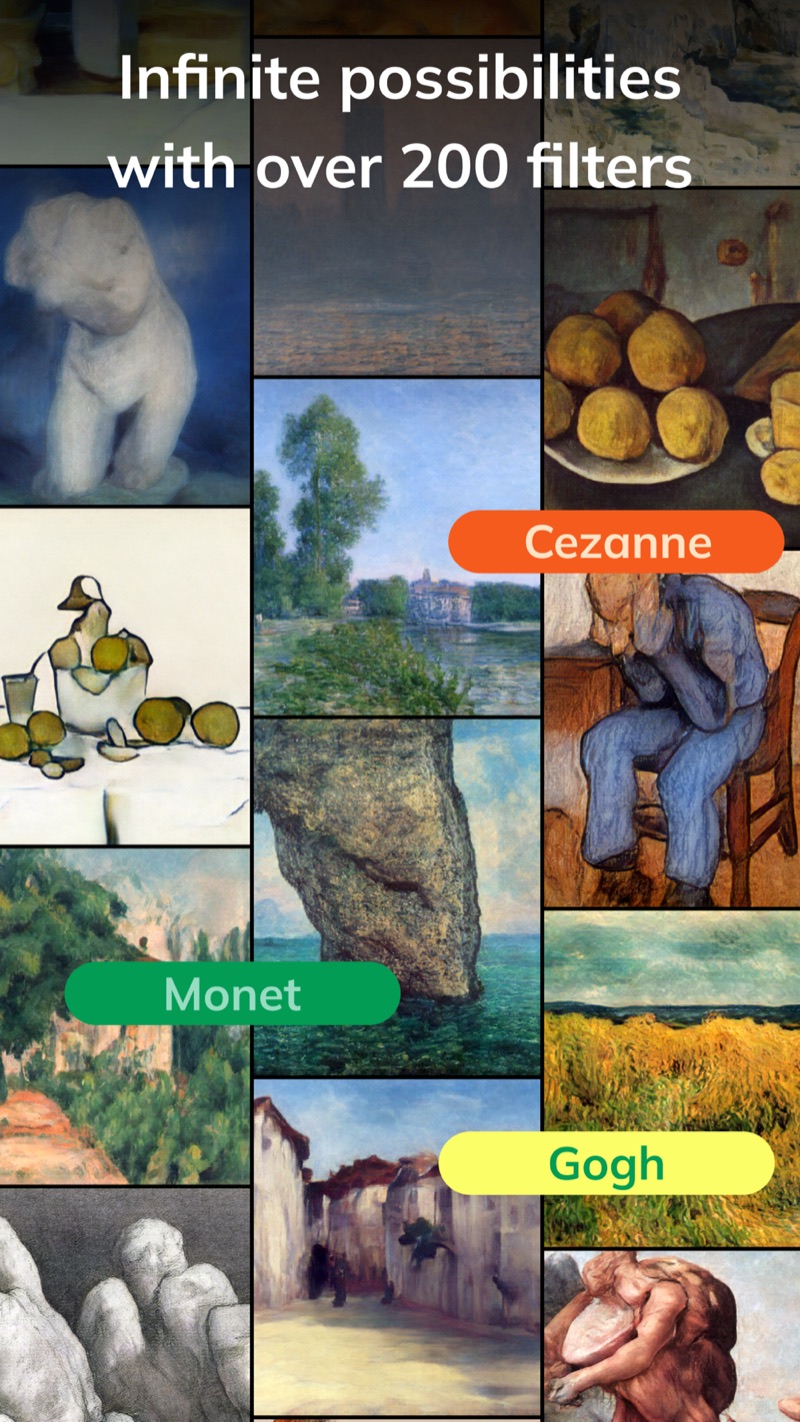
The filters are modeled on paintings by famous artists: Monet, Cézanne, Van Gogh, Picasso, Rembrandt, Modigliani and Warhol-style pop art. The store text counts over 50 lens effects and filters, while this screenshot banner says more than 200.
Adapts to any subject
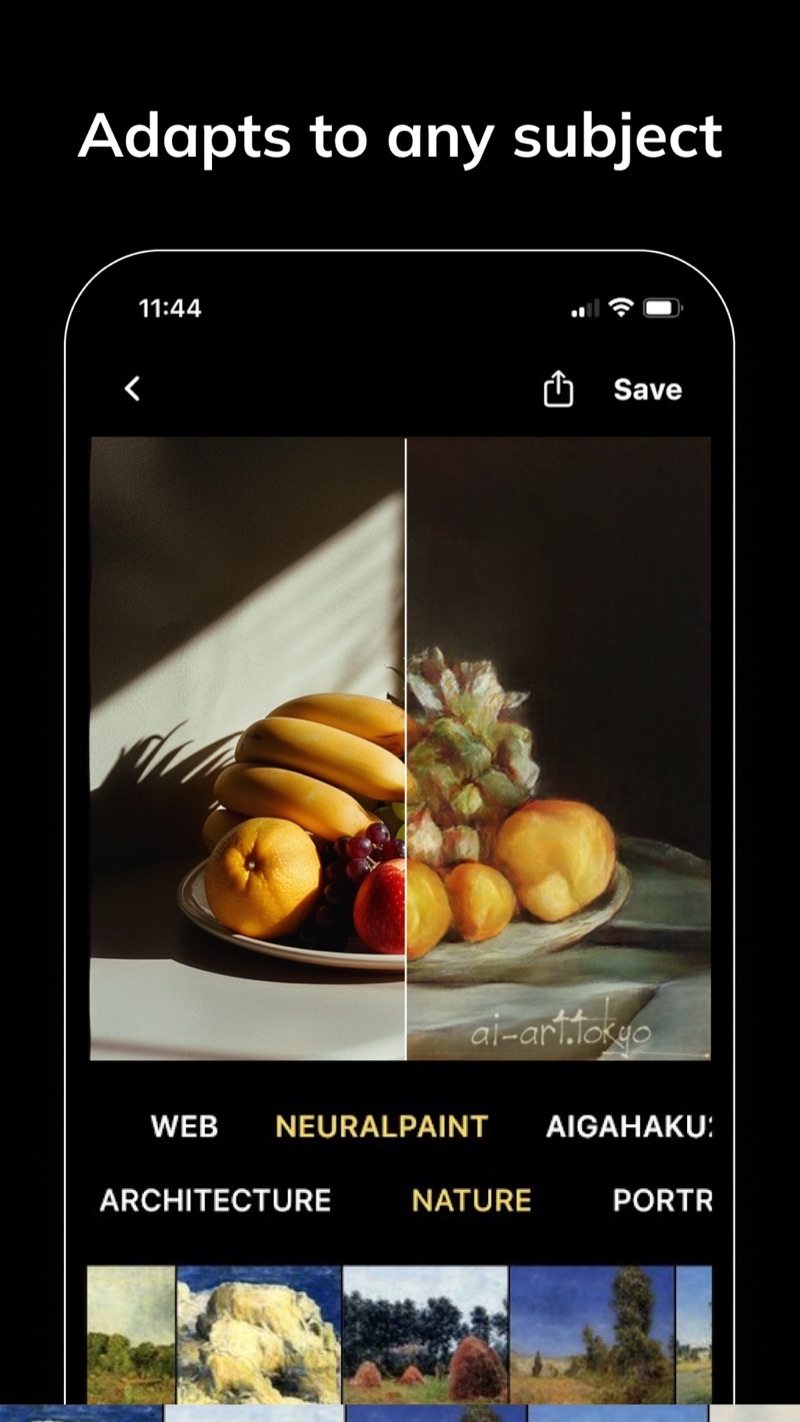
A fruit still life, a street, a field. The store text says it handles selfies as well as food and landscapes. The screen has categories such as Architecture, Nature and Portrait, and a split view shows your original on one side and the painted version on the other.
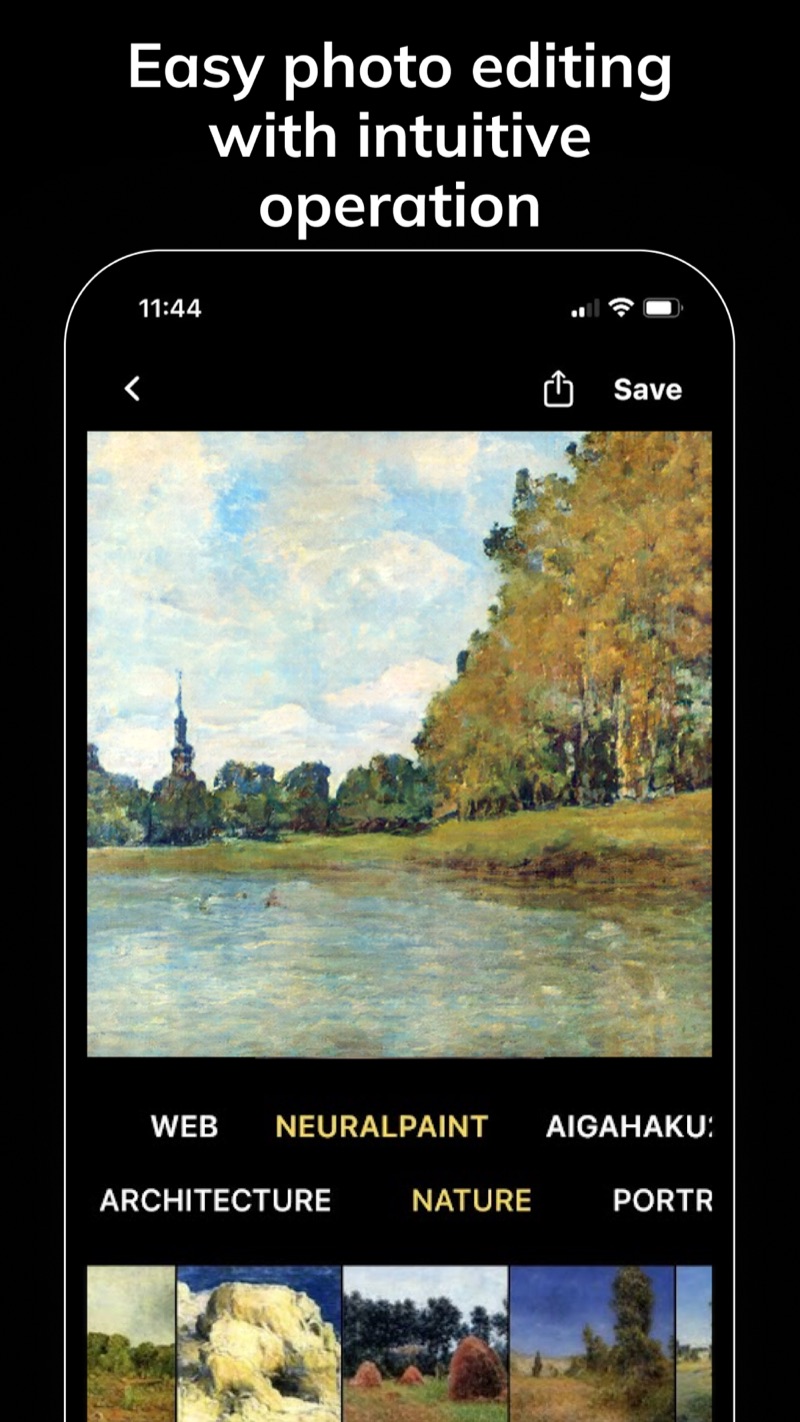
Easy photo editing with intuitive operation
Switch between filters with one tap and save your favorites to use again, as the description puts it. Save and share buttons sit at the top of the screen, so posting to social networks is quick, and no Photoshop skills are needed.
How to turn a photo into an oil painting
Start with a photo
NeuralPaint is both a camera and a photo editing app. Begin with the photo you want to paint.
Tap a filter
Choose a category such as Nature, Architecture or Portrait, then tap a painting filter to see your photo repainted.
Save or share
Tap Save, or use the share button to post the result to your favorite social network.
Frequently asked questions
Is NeuralPaint free?
It is free to download. The App Store lists an optional NeuralPaint PRO monthly subscription at $4.99 per month in the US store; it renews automatically unless you turn off auto-renewal in your Apple account settings. Google Play lists the app as containing ads and in-app purchases.
What kinds of photos work with it?
The App Store text says it handles selfies as well as food and landscapes, and its screenshots show a still life and a lakeside landscape. The app analyzes the subject of your photo and judges which painting-style filter suits it.
How many filters are there?
The description mentions over 50 lens effects and filters inspired by artists such as Warhol, Modigliani, Picasso, Monet, Van Gogh and Rembrandt, while one screenshot banner says over 200 filters. Exact counts can change between versions.
Can I compare the painting with my original photo?
The app’s screenshots show a split view with the original photo on one side and the painted version on the other, plus Save and share buttons at the top of the screen.
How is NeuralPaint different from AI Gahaku?
Both come from the same developer. NeuralPaint’s store description says it lets you try more filters than the AI Gahaku website (ai-art.tokyo) and PortraitAI. This page focuses on scenery, food and still-life photos; AI Gahaku focuses on portraits.
Which devices are supported?
iPhone with iOS 12.1 or later, and Android through Google Play. The app is available in English and Japanese.
See your next photo as an oil painting
Free to download for iPhone and Android.